Corgi’s AI Scribe can help you generate discharge notes, based on brief, short inputs (typed, or voiced over).
Writing a Discharge Note
Click 
Enter Patient Name, Patient ID (PIMS) and click Start Session
You’ll then be presented a series of screens where you should write in short, simple sentences. AI will subsequently generate a full, professional discharge note.
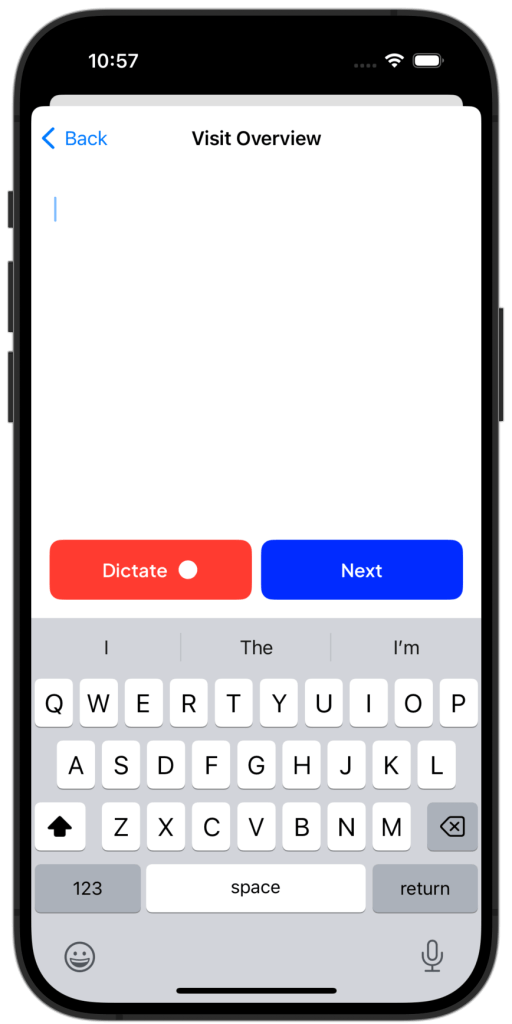
- Visit Overview
- Topics Discussed
- New Steps
- Recommendations
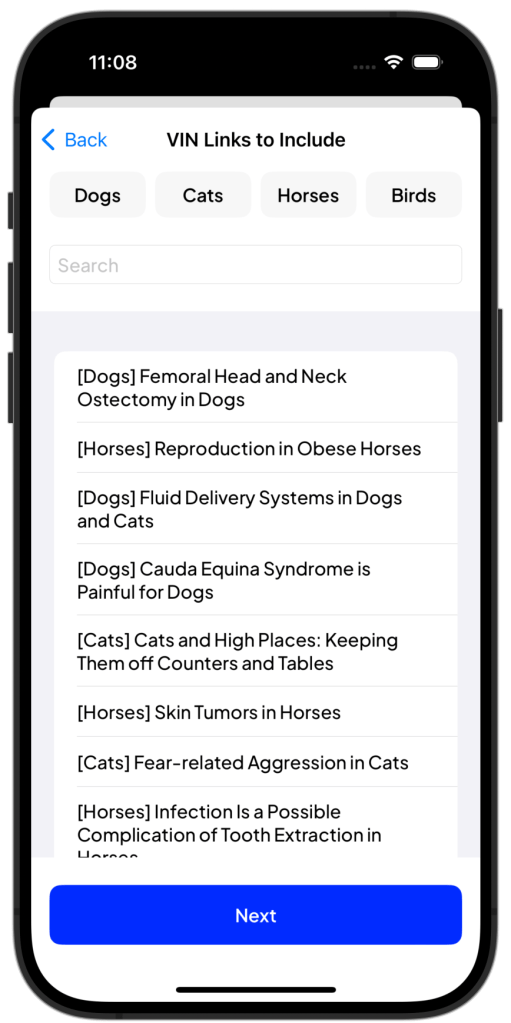
You’ll then have an option to include Veterinary Partner client handout links. Simply tap the ones you want to include in the Discharge Note.
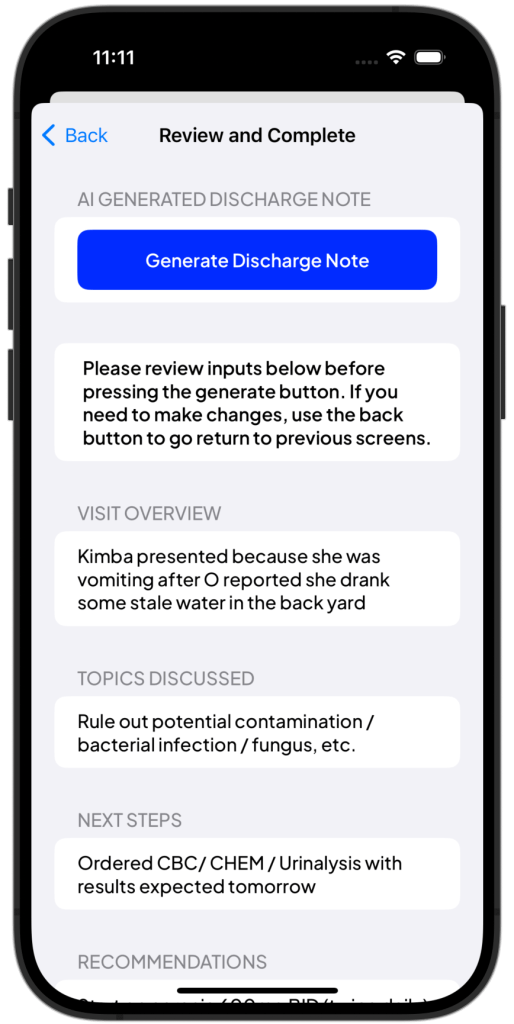
At this point, you are ready to Generate Discharge Note.
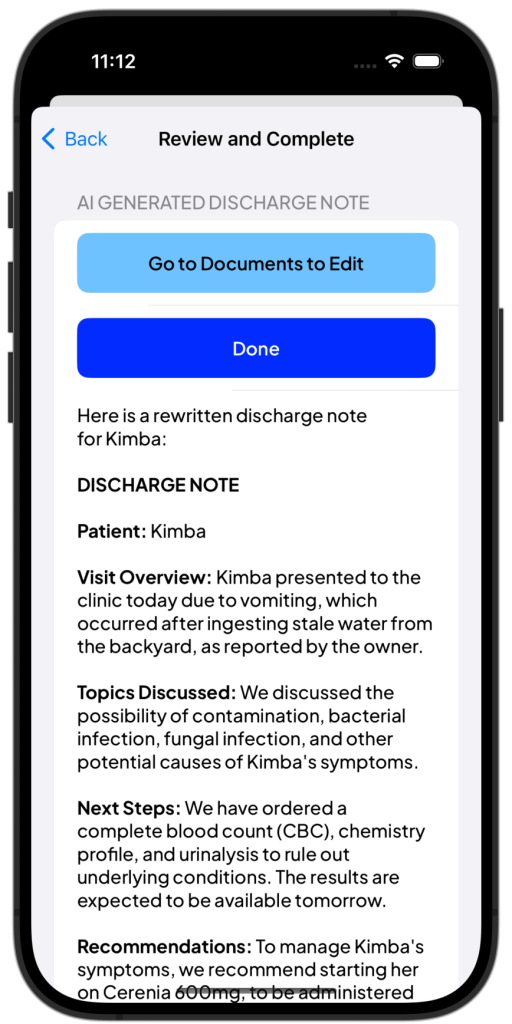
Discharge Note Documents
Discharge Note Documents appear in Documents 
 Corgi Help Center