Corgi’s Callback tab allows you to do two things:
- Call a client from your phone, with a masked phone number
- Currently, in pilot phase, you will only be able to dial from a toll-free number
- In the future, you’ll be able to add and verify your hospital’s main number so you can dial from that number
- Send clients recorded voice memos via SMS
Both of these interactions with Adding a Patient
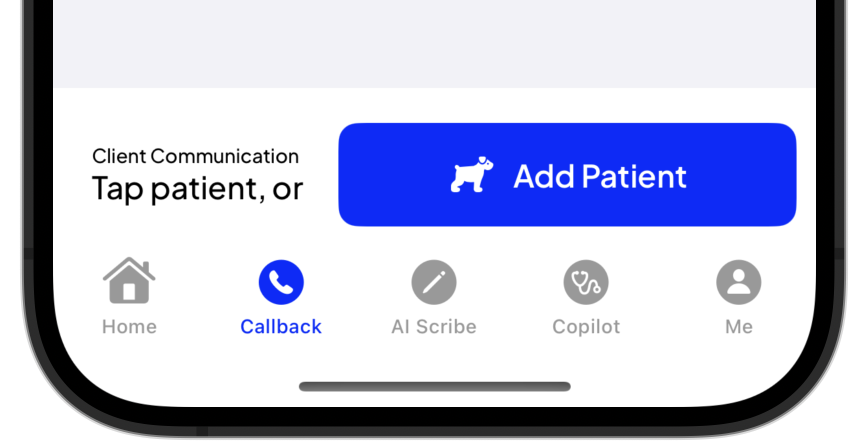
To add a patient:
- Tap Add Patient
- Fill in New Patient information. The following information are required:
- Patient Name
- Owner First Name
- Owner Last Name
All other fields are optional, however you need to add a phone number if you wish to call or voice memo this client.
- Click Add Patient
Now that you’ve added the patient, you’re now ready to send a Voice Memo or make a Call.
 Corgi Help Center