Voice Memos are a great way to share information with a personal touch, without having to play phone tag all day.
Sending a Voice Memo
- Tap a patient and select Voice Memo via SMS
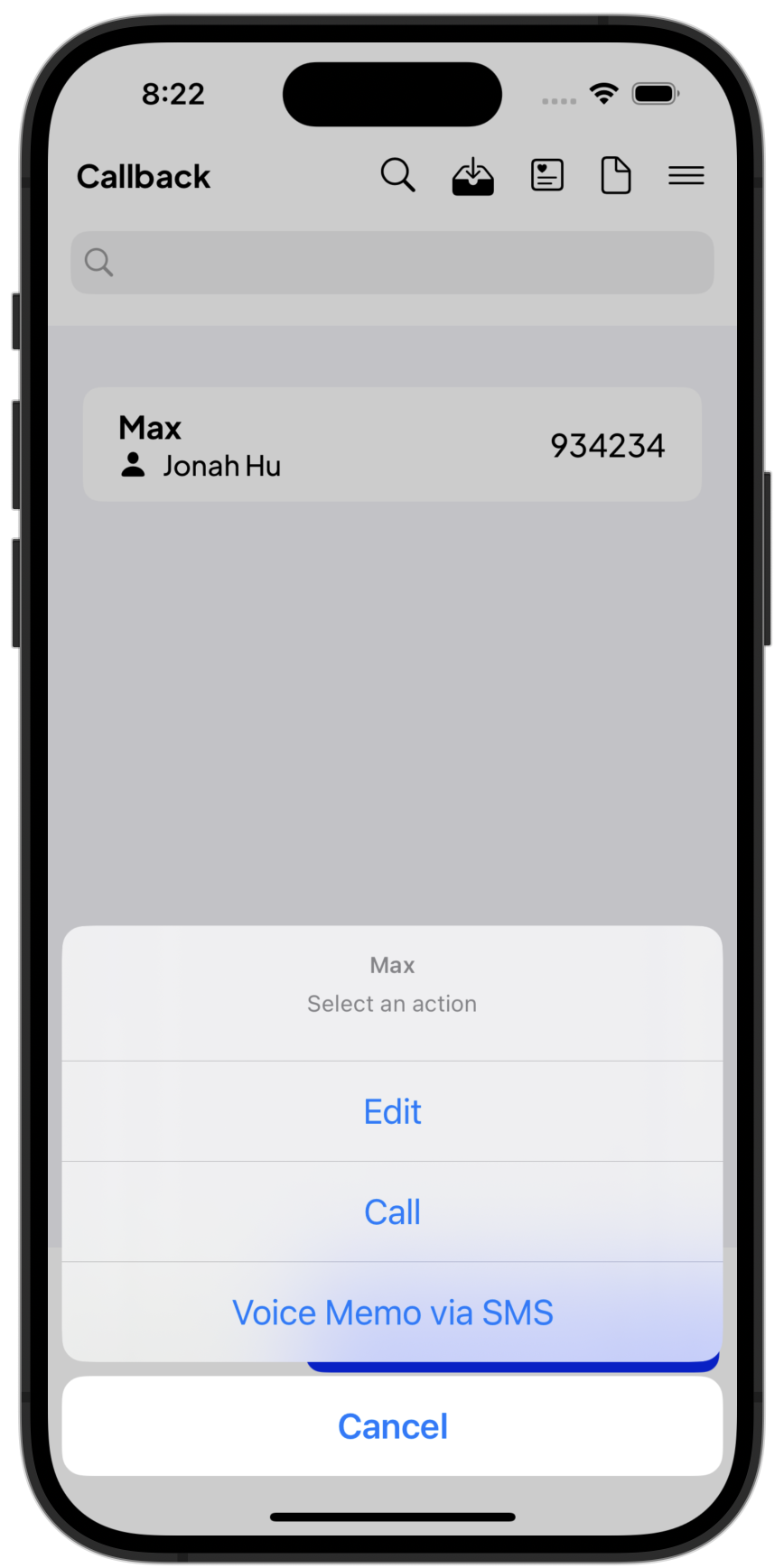
- The Voice Memo screen pops up.
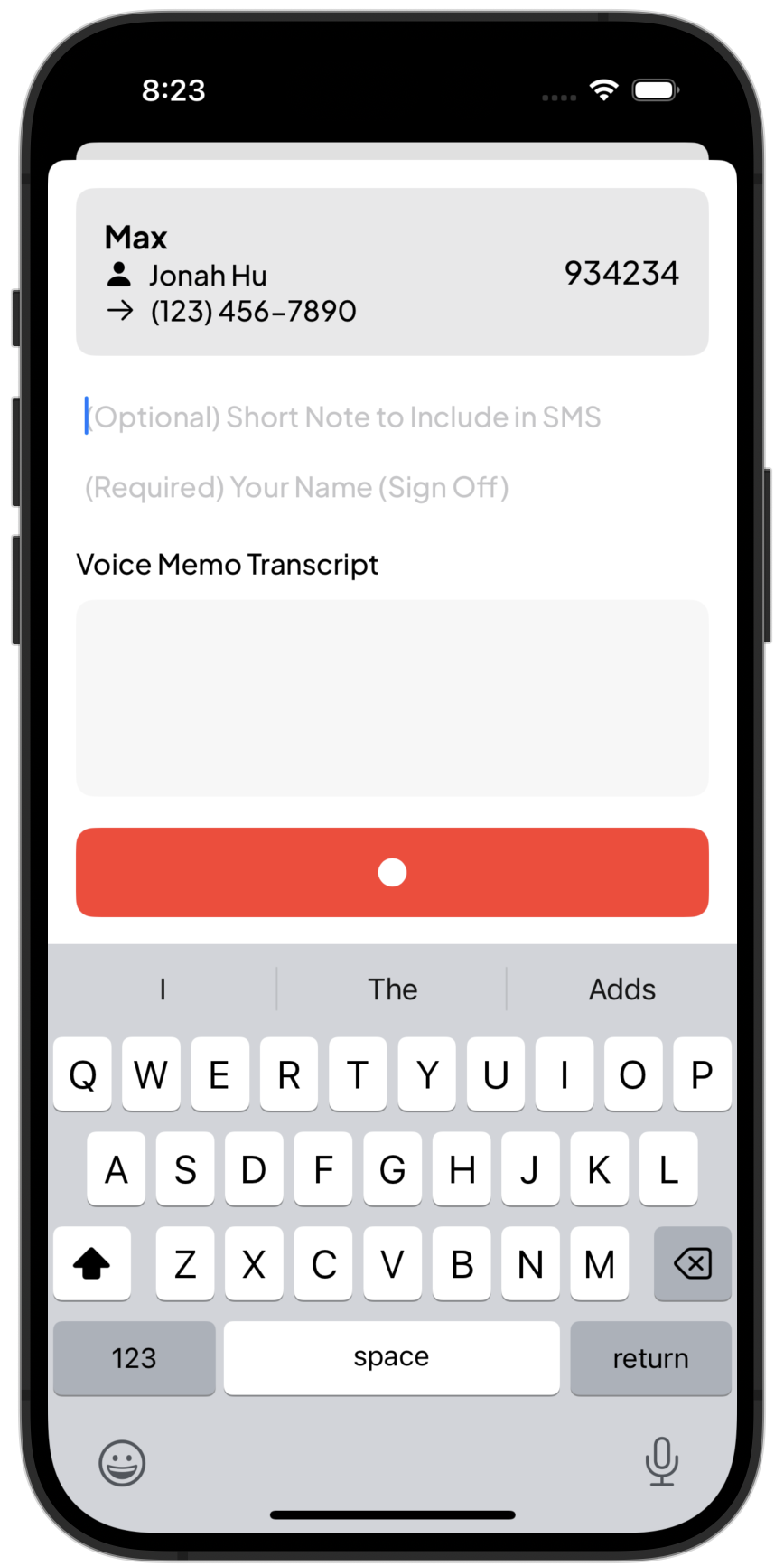
The page shows the patient’s name, the patient’s PIMS ID (if entered) the owner’s name, and the phone number you are sending the SMS message to. - Optionally, you can include a short note in the SMS.
- You must sign the SMS with your name and credentials (E.g., Dr. Smith, VMD)
- Press Record 🔴 to start recording the voice memo.
- As you’re typing, you’ll see a preview of the SMS message
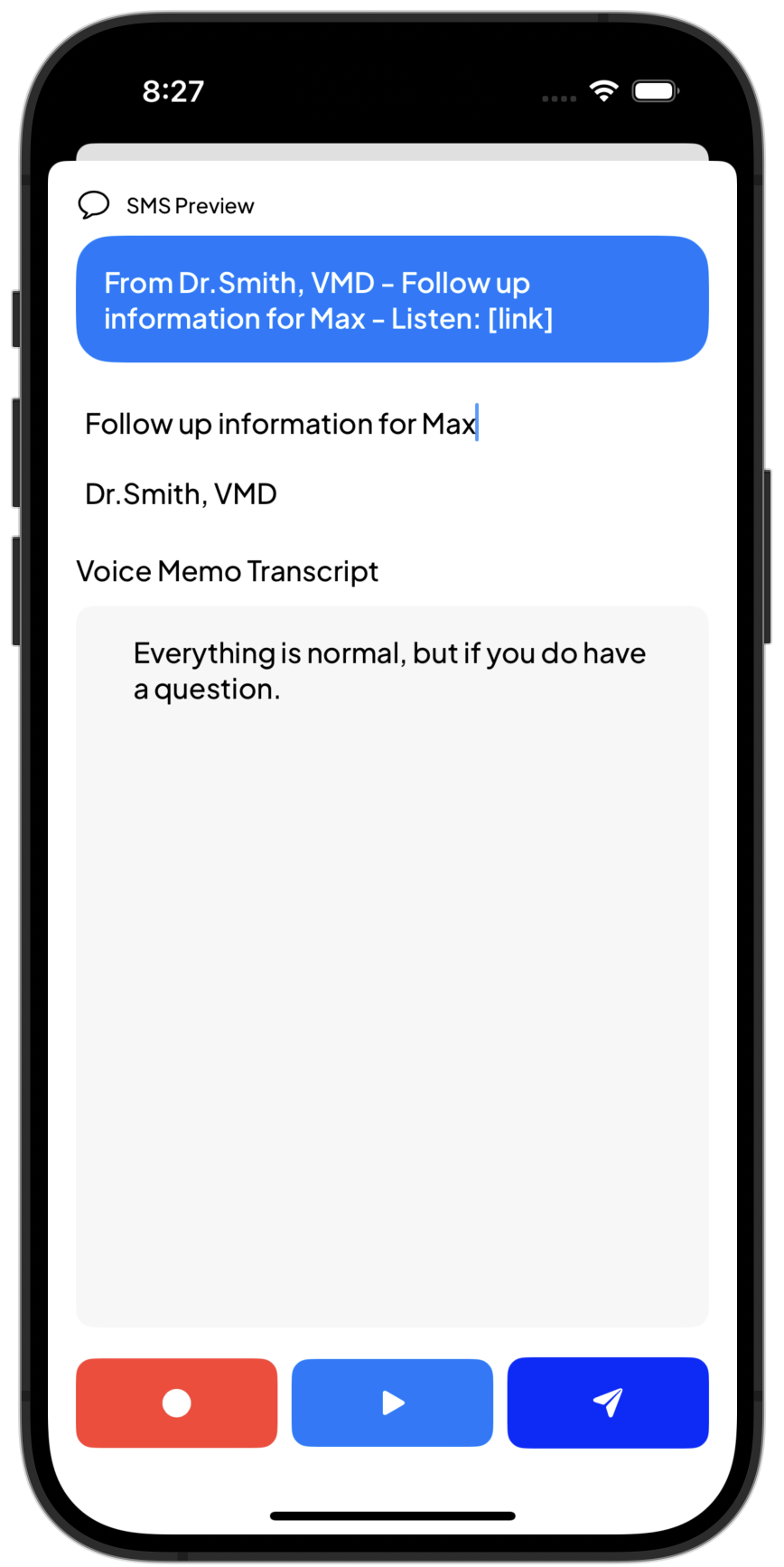
- Press
 to listen to the Voice Memo. You can press record again to re-record if it’s not to your liking.
 - Finally, press
 to send the SMS.
What Does The Client Receive?
This text message:

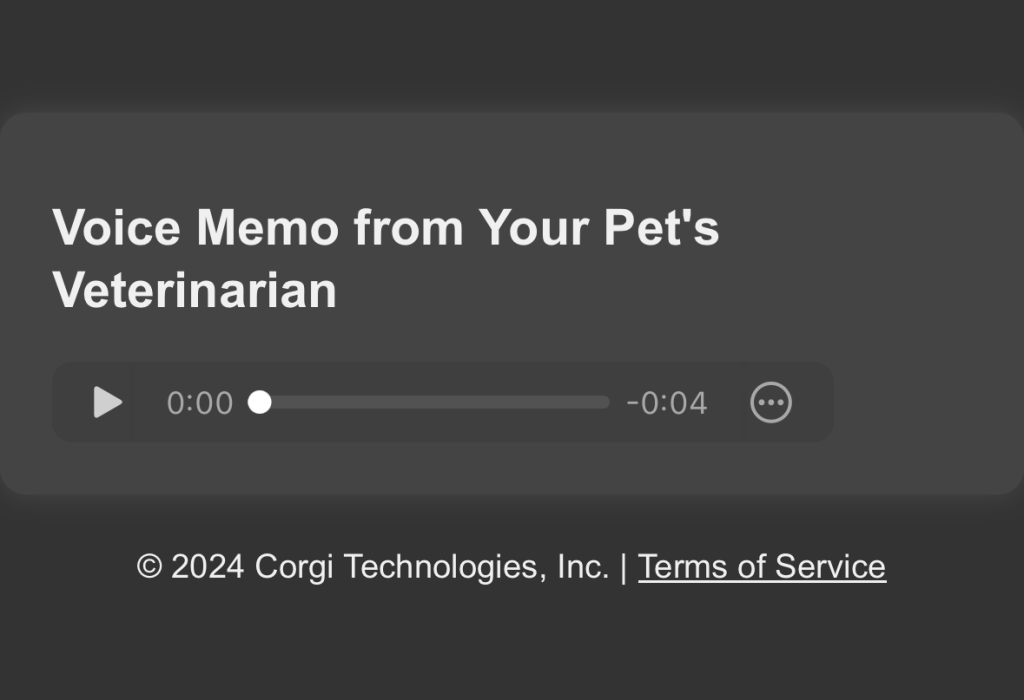
… with a link to listen to your voice memo:
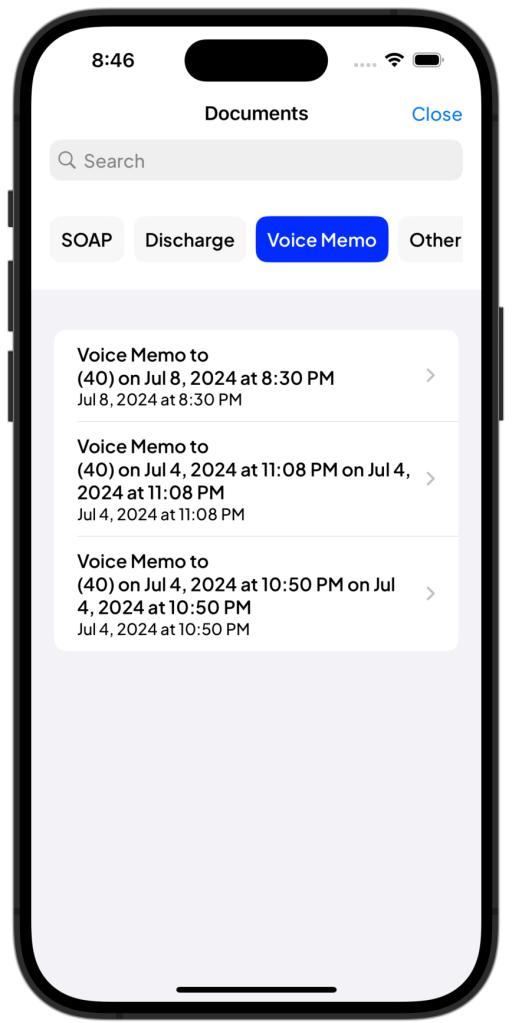
Sent Voice Memos
Sent voice memos are available in Documents 
 Corgi Help Center